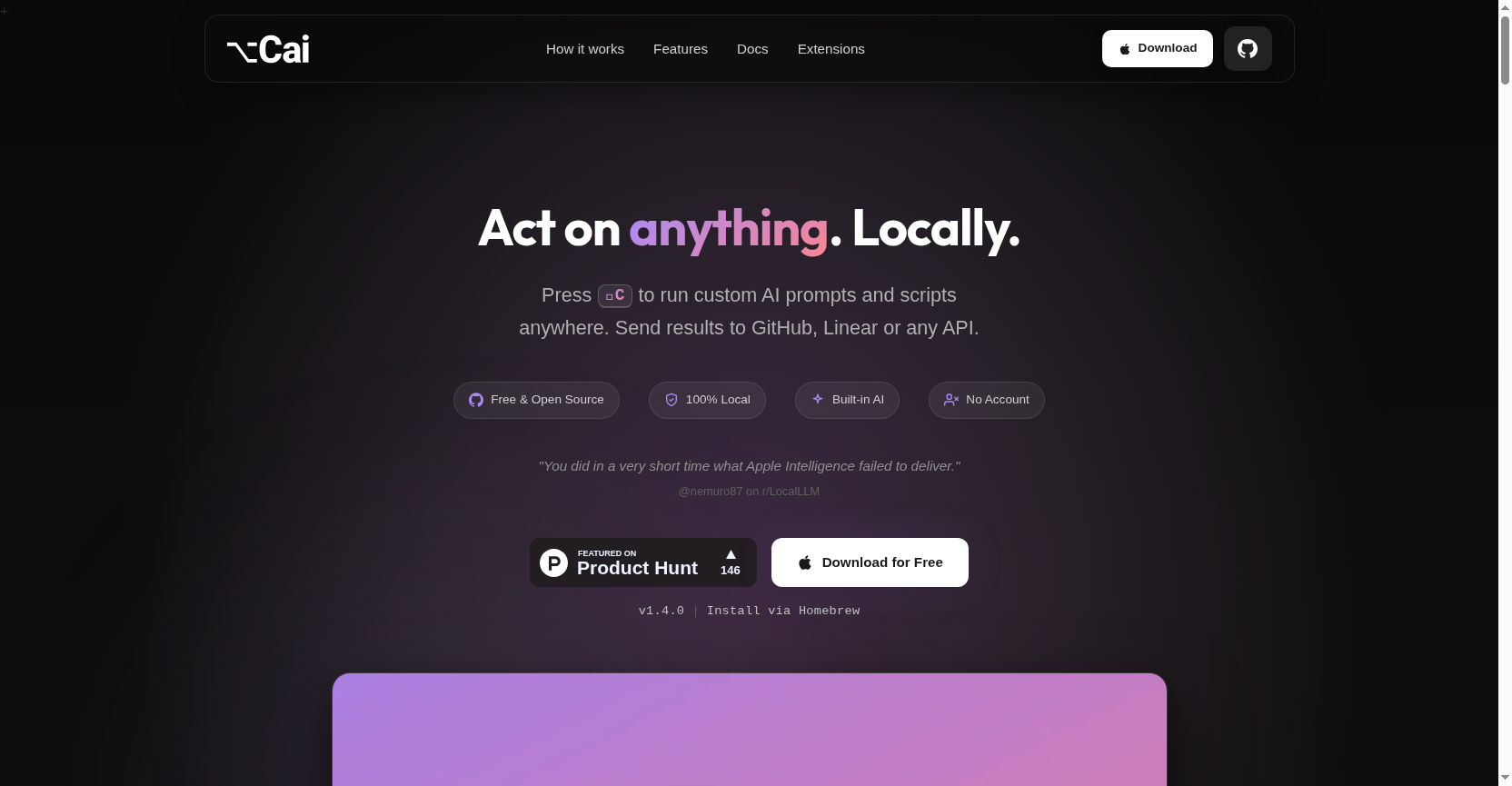
Cai is a free, open-source AI action layer for macOS that lets you run custom AI prompts, scripts, and shortcuts directly on any selected text or image. It works locally by default, requires no account or API key, and eliminates app switching by acting inline within your current workflow.
Free
How to use Cai?
Select any text or image in any macOS application, press the Option+C (⌥C) shortcut, and choose from a list of AI-powered actions. Actions include summarizing, translating, fixing grammar, creating GitHub/Linear tickets, running terminal scripts, or using OCR on images. Results can replace the selection or be sent to other apps, all without leaving your current window.
Cai 's Core Features
Local-First AI Processing: Operates 100% on your machine using the built-in Ministral 3B model (via MLX) for privacy. Supports Apple Intelligence, local servers (Ollama, LM Studio), and optional cloud APIs.
Context-Aware Smart Actions: Automatically surfaces relevant actions (like creating a ticket or summarizing) based on the selected content, whether it's code, a meeting note, an address, or an image.
Extensible Action Library: Create and save custom actions using AI prompts, shell scripts, or URL shortcuts. Build a personal library of one-keystroke commands that grow with your needs.
Seamless App Integration: Works inline in any text field or app (VS Code, Terminal, Browser, Slack, etc.). Results appear where you are, eliminating copy-paste loops and tab switching.
Advanced Routing & Clipboard: Send action results to destinations like GitHub, Linear, Slack, or Notion. Includes a searchable clipboard history for your last 100 items.
Image-to-Text (OCR) Capability: Select a screenshot or image containing text, and Cai can extract the text to then run any other action on it, like translation or summarization.
Keyboard-First, Minimalist Design: Designed to stay out of your way. The ⌥C shortcut summons a clean list of actions without opening new tabs or distracting interfaces.
Cai 's Use Cases
Developers can quickly convert error messages into GitHub issues, run terminal commands on selected code, or summarize complex logs without leaving their IDE.
Project Managers can select text from Slack or email and instantly create detailed Linear or Jira tickets, with AI helping to format and describe the task.
Writers and Content Creators can highlight draft text to get grammar fixes, translations, or summaries inline, streamlining their editing workflow.
Students and Researchers can capture text from PDFs or images via OCR, then summarize or translate the extracted content for their notes or papers.
Support Agents can select customer query screenshots, extract text via OCR, and generate structured replies or internal tickets in seconds.
Productivity Enthusiasts can automate repetitive tasks by creating custom shell script or URL shortcut actions, turning complex workflows into a single keystroke.