
Codex in Chrome
Your coding sidekick that ships code faster than you can say 'commit'.
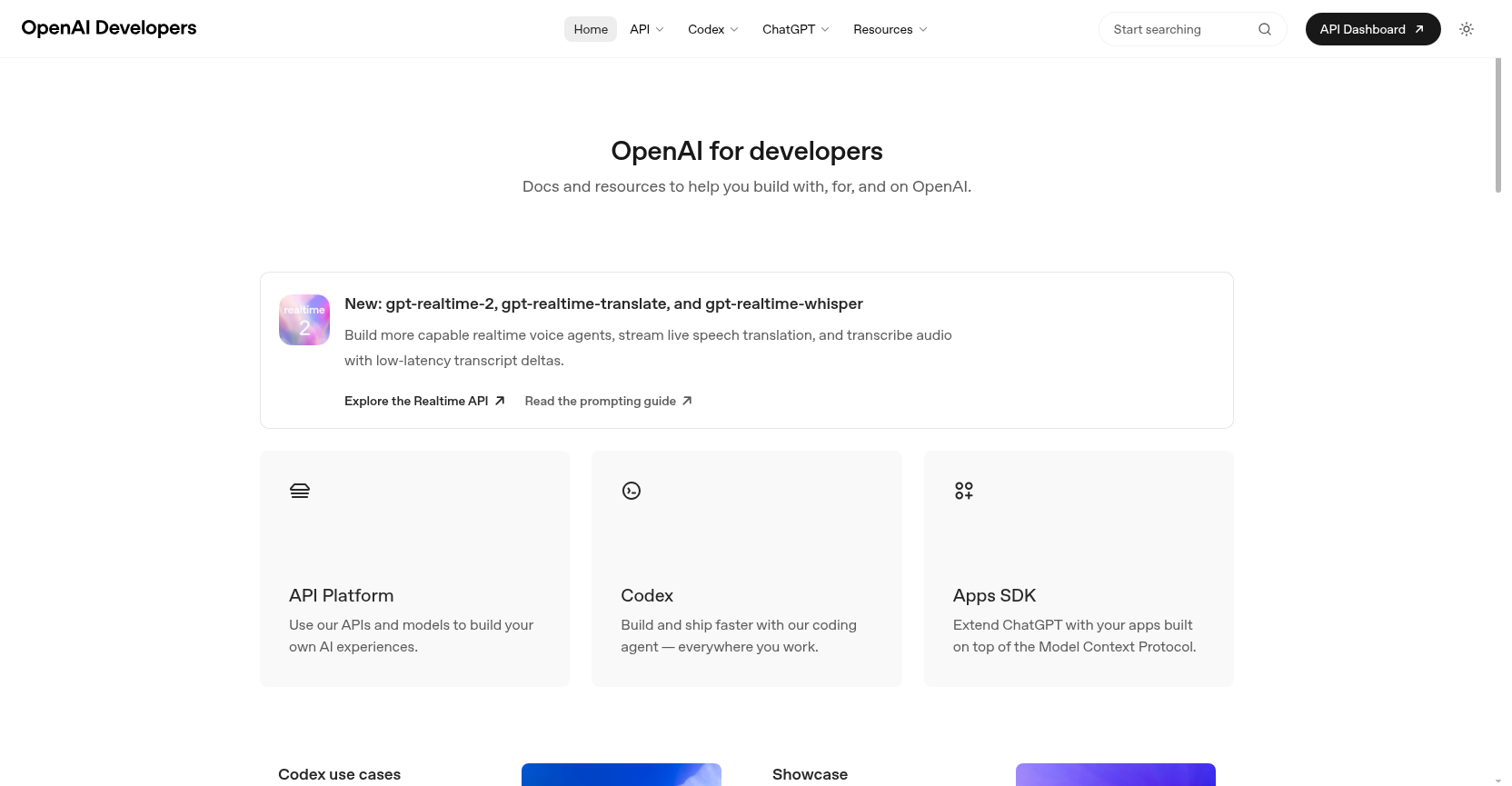
Codex in Chrome is an AI coding agent from OpenAI that helps developers build, debug, and ship software directly in the browser. It automates repetitive tasks, writes code, and integrates with GitHub and APIs to accelerate development workflows.
Freemium
How to use Codex in Chrome?
Codex in Chrome acts as a coding agent that you can invoke directly in your browser. Use it to write code snippets, debug errors, automate repetitive tasks like refactoring or testing, and even manage pull requests on GitHub. It integrates with the OpenAI API and supports real-time collaboration, making it ideal for both solo developers and teams looking to speed up their software delivery.
Codex in Chrome 's Core Features
Codex in Chrome 's Use Cases
Codex in Chrome 's FAQ
Most impacted jobs
Software Developer
DevOps Engineer
Data Scientist
Frontend Developer
Backend Developer
Full Stack Developer
Product Manager
QA Engineer
Technical Writer
Open Source Maintainer
Codex in Chrome 's Tags
#AI Code Assistant#Coding Agent#Developer Tools#GitHub Integration#Automation#Browser Extension#OpenAI#Software Development


