
Eddie AI
The Assistant Video Editor for Pros
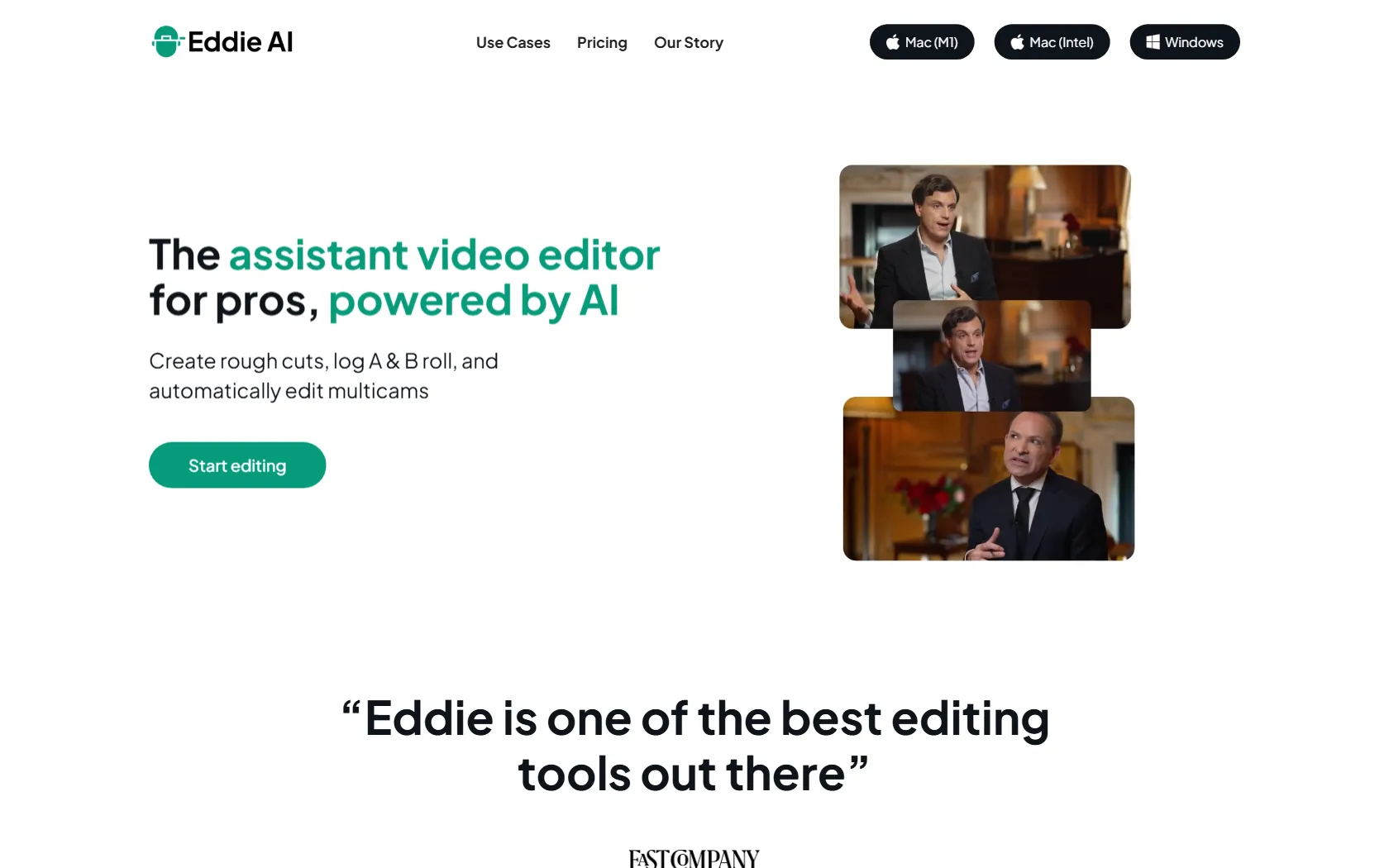
Eddie AI revolutionizes video editing by automating rough cuts, A/B roll logging, and multicam edits, saving professionals hours of work. Export to MP4, Adobe, FCP, and DaVinci Resolve.
Freemium
Free
How to use Eddie AI?
Import interviews and prompt Eddie AI to create edits in seconds. Use it for rough cuts, A/B roll logging, and multicam podcast editing, then export to your preferred video editing software.
Eddie AI 's Core Features
Eddie AI 's Use Cases
Eddie AI 's Pricing
Starter
Free
Experience the most powerful AI video editor on your footage. Create and view edits from your interviews.
Plus
$25 Per Month
Level up video editing productivity & creativity with expanded access. 4 projects per month.
Pro
$100 Per Month
Get the best video editing AI with the highest level of access. Unlimited projects.
Eddie AI 's FAQ
Most impacted jobs
Documentary Filmmaker
Podcast Producer
Social Media Manager
Video Editor
Content Creator
Film Producer
YouTube Manager
Marketing Professional
Media Production Specialist
Creative Director
Eddie AI Youtube Reviews
Eddie AI 's Tags
#AI Video Editing#Automated Editing#Multicam Editing#Video Production#Content Creation#Social Media Clips#Professional Video Tools