Flowstep 1.0
Turn your wildest ideas into real UI – no paintbrush required.
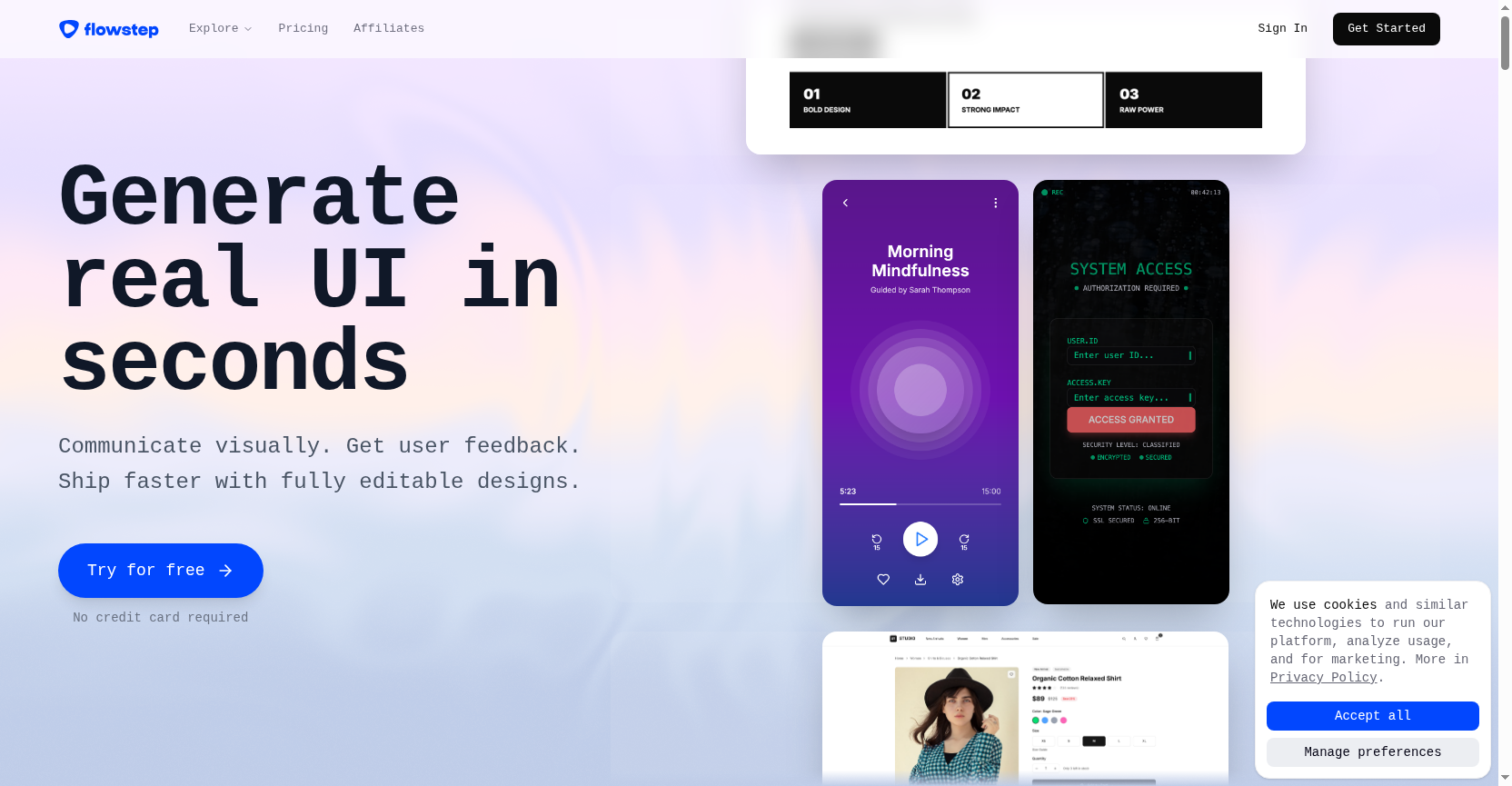
Flowstep transforms text prompts into fully editable UI designs instantly. It helps teams skip the blank canvas, collaborate in real time, and export clean code. No complex tools needed – just describe, generate, and ship faster.
Freemium
$15/mo
How to use Flowstep 1.0?
Sign up for free, then describe your desired UI in a chat. Flowstep instantly generates screens on an infinite canvas. You can edit designs manually or with AI, copy them to Figma with ⌘C+⌘V, and collaborate with your team in real time. Export production-ready React/TypeScript code.
Flowstep 1.0 's Core Features
Flowstep 1.0 's Use Cases
Flowstep 1.0 's Pricing
Free
$0/mo
Limited messages, multi-screen, and projects
Starter
$15/mo
80 messages/mo, unlimited multi-screen, projects, exports, and copy to Figma
Flowstep 1.0 's FAQ
Most impacted jobs
Product Manager
UX/UI Designer
Software Engineer
Startup Founder
Freelance Designer
Product Designer
Lead Designer
Design Engineer
Frontend Developer
Creative Director
Flowstep 1.0 Youtube Reviews
Flowstep 1.0 's Tags
#UI Design#AI Design Tool#Figma Integration#Real-Time Collaboration#Code Export#Prototyping#Design Automation