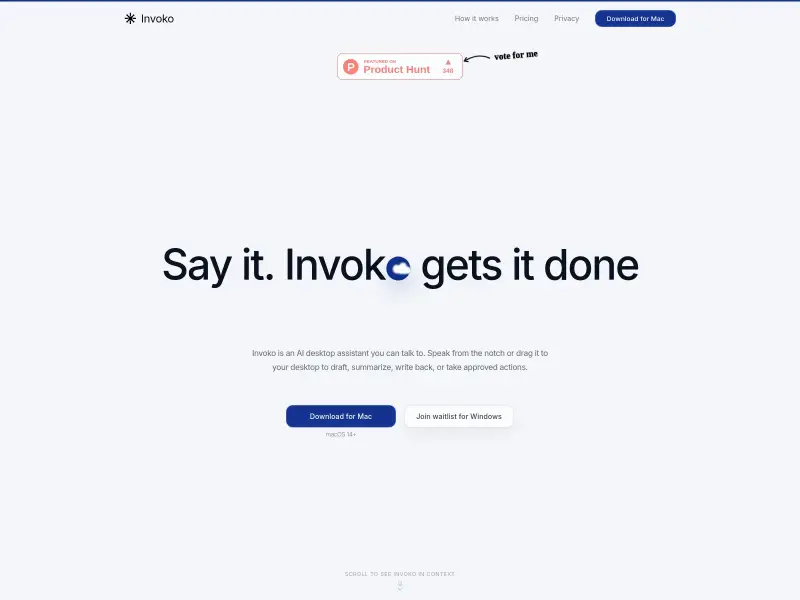
Invoko is a personal AI voice desktop assistant for macOS. It allows users to speak commands and have the AI draft, summarize, rewrite, or take approved actions directly on their desktop. It integrates with various apps, offering context-aware assistance without requiring users to switch applications.
Free
How to use Invoko?
Hold the 'Fn' key and speak your command. Invoko uses your screen's context to understand and execute tasks like drafting emails, summarizing content, or navigating applications. For longer tasks, it can run as a background agent, moving between apps and gathering information with your approval.
Invoko 's Core Features
Voice-activated commands via 'Fn' key shortcut
Screen-aware AI that uses current app and page context
Draft, summarize, rewrite, and take approved actions
Cross-app task execution and background agent functionality
Privacy-focused with data processing primarily on-device
Integration with common Mac applications and workflows
Memory feature to recall past interactions and context
Invoko 's Use Cases
Drafting emails and messages by speaking
Summarizing long articles or documents on screen
Quickly rewriting text in different tones or lengths
Getting step-by-step guidance in unfamiliar software
Automating repetitive tasks across multiple applications
Capturing and organizing information from web pages
Managing calendar events and to-do lists via voice