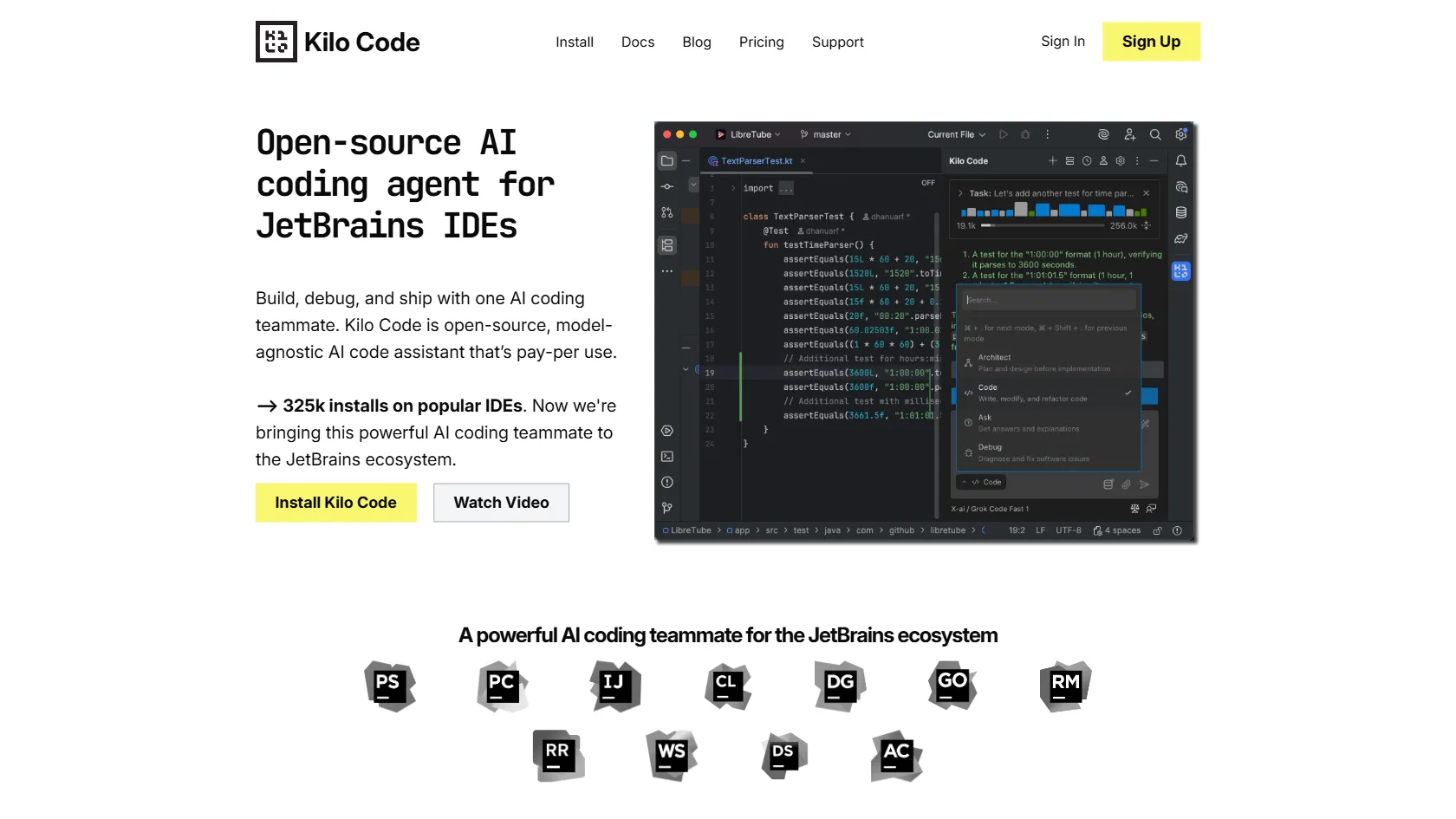
Kilo Code is an open-source, model-agnostic AI coding assistant that integrates directly into JetBrains IDEs. It helps developers plan, write, and fix code using Architect, Code, and Debug modes, ensuring reliable API suggestions and private data handling without telemetry.
Freemium
How to use JetBrains?
Install Kilo Code as a plugin in your JetBrains IDE. Use Architect mode to plan project structures, Code mode to generate functions or files, and Debug mode to find and fix bugs. It integrates with Context7 for accurate API suggestions, helping you code faster, reduce errors, and maintain project alignment without hallucinations.
JetBrains 's Core Features
Seamless integration with JetBrains IDEs as a plugin for quick setup and use
Architect mode for big-picture planning to keep projects organized and goal-aligned
Full-code writing capabilities to generate functions and files with context, speeding development
Debug mode that methodically analyzes and fixes bugs, running tests until code works correctly
Reliable API suggestions using library look-ups to prevent hallucinations and ensure accuracy
Private and secure setup with no telemetry, allowing use of local or custom models for data safety
JetBrains 's Use Cases
Software developers can use Kilo Code to quickly generate code drafts from natural language descriptions, saving hours on initial project setup
Team leads can employ Architect mode to outline project structures, ensuring alignment and reducing miscommunication in agile environments
Junior developers can debug complex issues with Debug mode, learning from AI-driven fixes and improving coding skills over time
Freelancers can write and refactor code efficiently using Code mode, handling multiple clients without sacrificing quality or deadlines
Open-source contributors can integrate Kilo Code to automate repetitive tasks like documentation and testing, focusing on innovation