Oasis Browser
Privacy-first AI browser with built-in assistant, voice control, and enterprise-grade security.
Oasis is a privacy-first AI browser by Kahana that features a built-in AI assistant using real tab and history context, optional voice control, and quick import from other browsers. It offers ad blocking, enterprise-grade security, and minimal data collection by default. The browser can plan, search, and take action on tabs and pages, with features like assistant themes, confirmation modals, and an onboarding checklist. Available for Mac with a freemium model.
Freemium
How to use Oasis Browser?
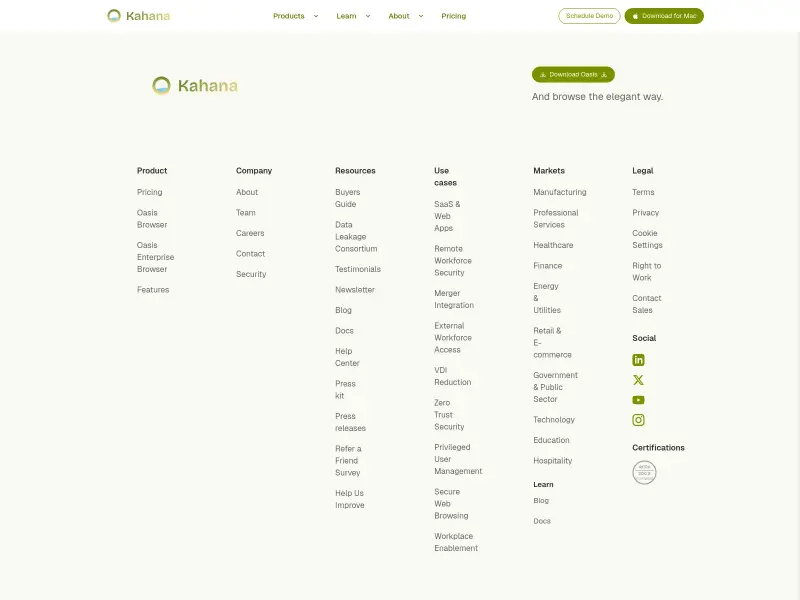
Download Oasis for Mac from the pricing page. After installation, sign in to activate the AI assistant. Use the composer to type or speak commands like 'show my bookmark folders' or 'summarize this page'. Customize assistant themes in settings. Import bookmarks, passwords, and history from other browsers via the import wizard. For enterprise features, schedule a demo for managed browser governance.
Oasis Browser 's Core Features
Oasis Browser 's Use Cases
Oasis Browser 's FAQ
Most impacted jobs
Software Developer
Product Manager
Security Analyst
IT Administrator
Researcher
Writer
Entrepreneur
Oasis Browser Youtube Reviews
Oasis Browser 's Tags
#AI browser#privacy browser#voice assistant#tab management#ad blocker#enterprise browser#productivity tool