
QuickTea
AI Chat Assistant for instant webpage, PDF, and video insights.
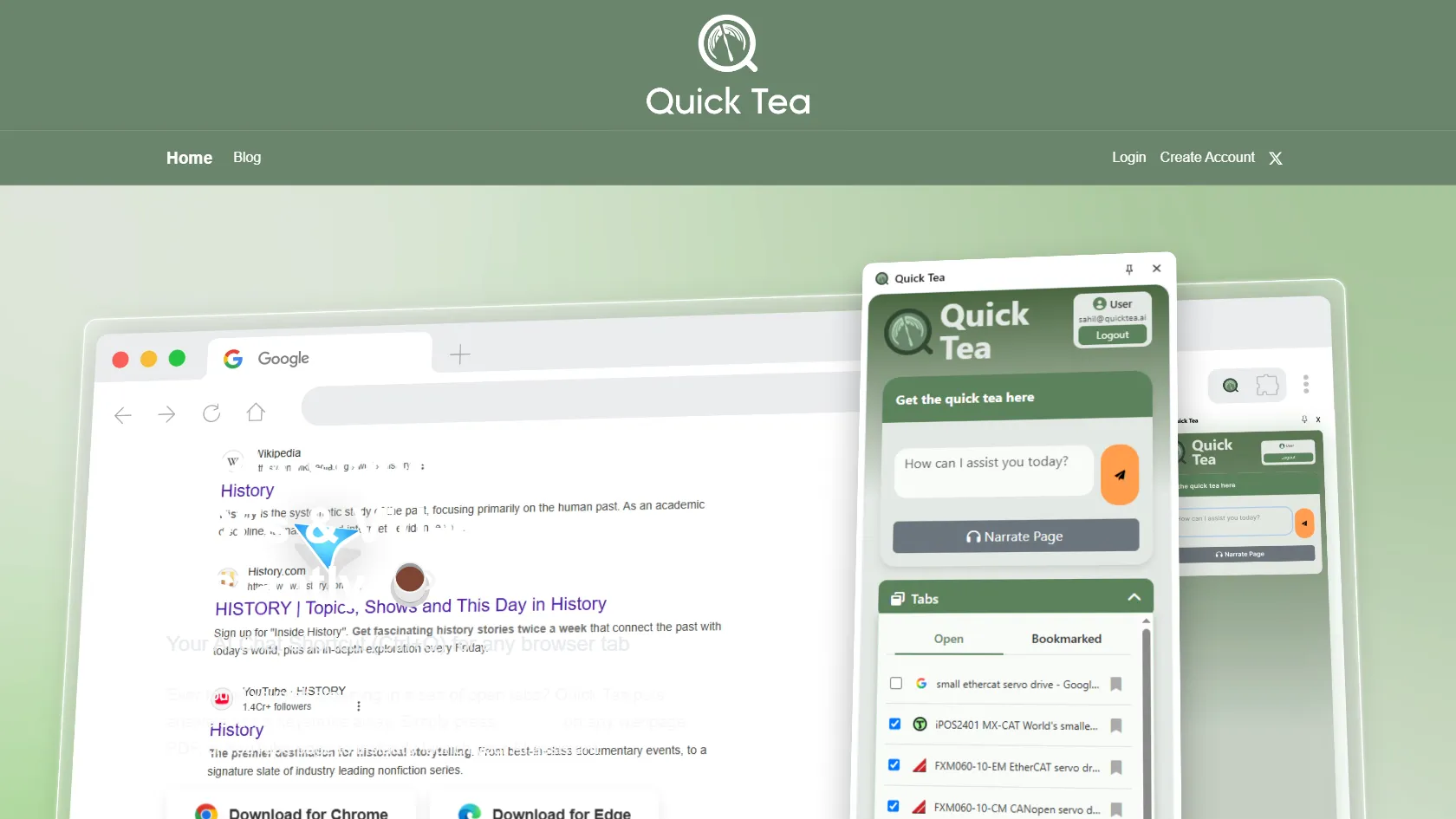
QuickTea is a browser extension-powered AI assistant designed to help users quickly extract insights, summarize content, and analyze attachments from any webpage, PDF, or YouTube video with just a keystroke (Ctrl+Q). It's perfect for multitasking and getting the essentials without the fluff.
Free
How to use QuickTea?
Press Ctrl+Q on any webpage, PDF, or YouTube page to instantly launch QuickTea. It can summarize content, answer questions, analyze attachments, and even turn articles into audio narrations, making it easier to understand and multitask.
QuickTea 's Core Features
QuickTea 's Use Cases
QuickTea 's FAQ
Most impacted jobs
Students
Researchers
Content Creators
Business Professionals
Multitaskers
Writers
Developers
Educators
Journalists
Analysts
QuickTea 's Tags
#AI Assistant#Browser Extension#Content Summarization#PDF Analysis#Video Insights#Multitasking#Productivity