
SimCam
Your Mac's camera, now live in the iOS Simulator – no real device needed!
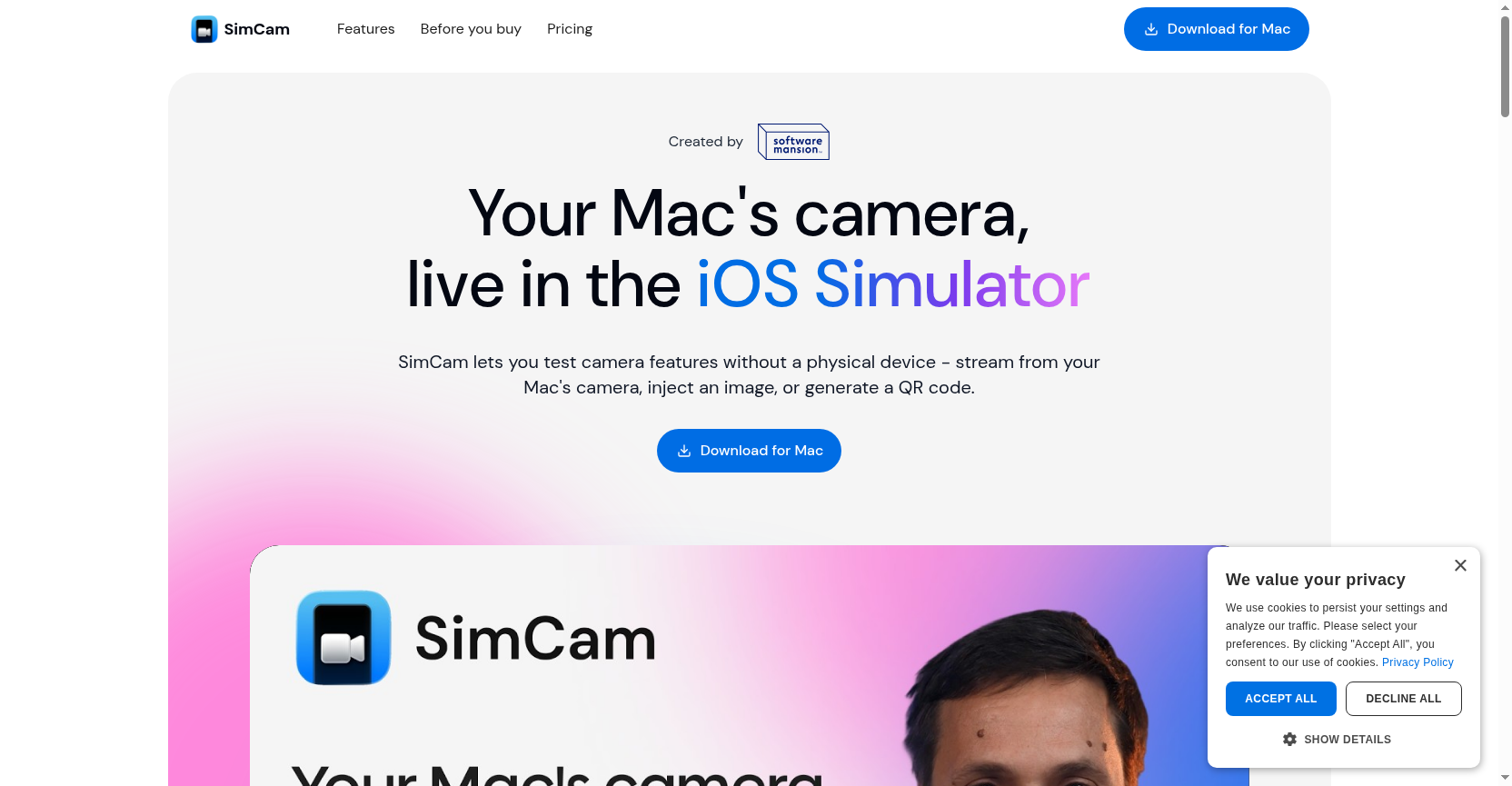
SimCam streams your Mac's camera directly into the iOS Simulator, enabling testing of camera features like QR codes, image recognition, and barcode scanning without a physical device. It integrates as a system-level virtual camera via AVFoundation APIs.
Freemium
How to use SimCam?
SimCam is a macOS app that acts as a system-level virtual camera for the iOS Simulator. Developers can use it to test camera features by streaming from their Mac's camera, injecting static images or videos, or generating QR codes programmatically. It also offers a CLI for AI agents, allowing automated camera source switching and diagnostics.
SimCam 's Core Features
SimCam 's Use Cases
SimCam 's Pricing
Trial
Free
Free version for evaluation. Built-in demo video source. Download for Mac.
Pro
$19 one payment
Lifetime License. Camera, image, video & QR code sources. Front & Back Camera support. CLI & agent support. 12 months of free updates.
SimCam 's FAQ
Most impacted jobs
iOS Developer
Mobile App Developer
Software Engineer
Quality Assurance Engineer
DevOps Engineer
AI Engineer
Product Manager
UI/UX Designer
Test Automation Engineer
Machine Learning Engineer
SimCam Youtube Reviews
SimCam 's Tags
#iOS Simulator#Virtual Camera#QR Code Testing#Camera Testing#Developer Tools#macOS#AI Agent#Media Injection


