AutoEdit
Edit videos 10X faster with AI-powered auto-editing directly inside Premiere Pro.
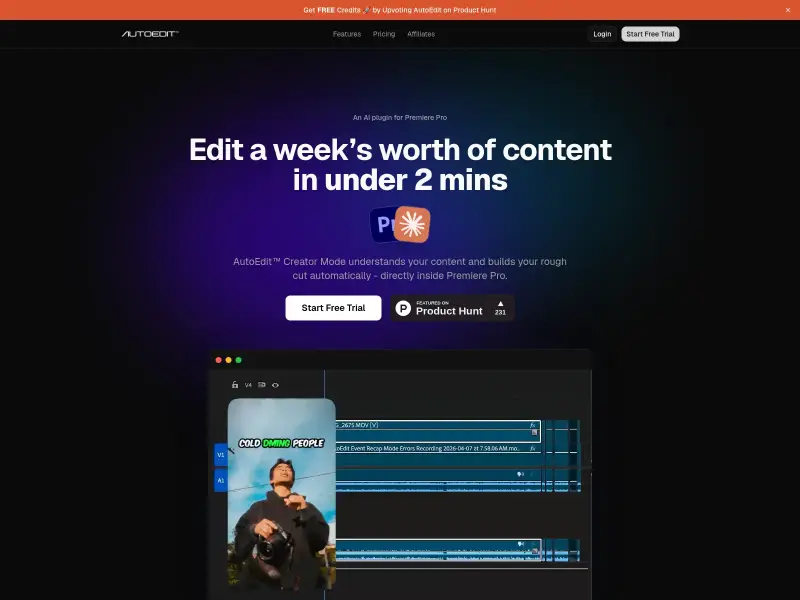
AutoEdit is an AI plugin for Adobe Premiere Pro that automates video editing. It understands your content to build rough cuts, remove silences, filler words, repetitions, and bad takes, saving creators hours of work. Get a cleaner rough cut in minutes, not hours.
Free Trial
29
How to use AutoEdit?
Launch AutoEdit within Premiere Pro. Type a prompt or simply hit 'Auto-Edit'. The AI analyzes your footage, automatically removing silences, filler words, repetitions, and bad takes. Review the generated rough cut and apply the edits directly to your timeline, significantly speeding up your editing workflow.
AutoEdit 's Core Features
AutoEdit 's Use Cases
AutoEdit 's Pricing
Starter
$29/mo
2 hours per month, All AI editing features, Unlimited captions, Premiere Pro plugin
Pro
$79/mo
5 hours per month, All AI editing features, Unlimited captions, Premiere Pro plugin
Business
$199/mo
15 hours per month, All AI editing features, Unlimited captions, Premiere Pro plugin
AutoEdit 's FAQ
Most impacted jobs
Video Editor
Content Creator
YouTuber
Social Media Manager
Podcaster
Filmmaker
AutoEdit 's Tags
#AI Video Editing#Premiere Pro Plugin#Video Automation#Content Creation Tools#Editing Software#Rough Cut#Silence Removal#Filler Word Removal