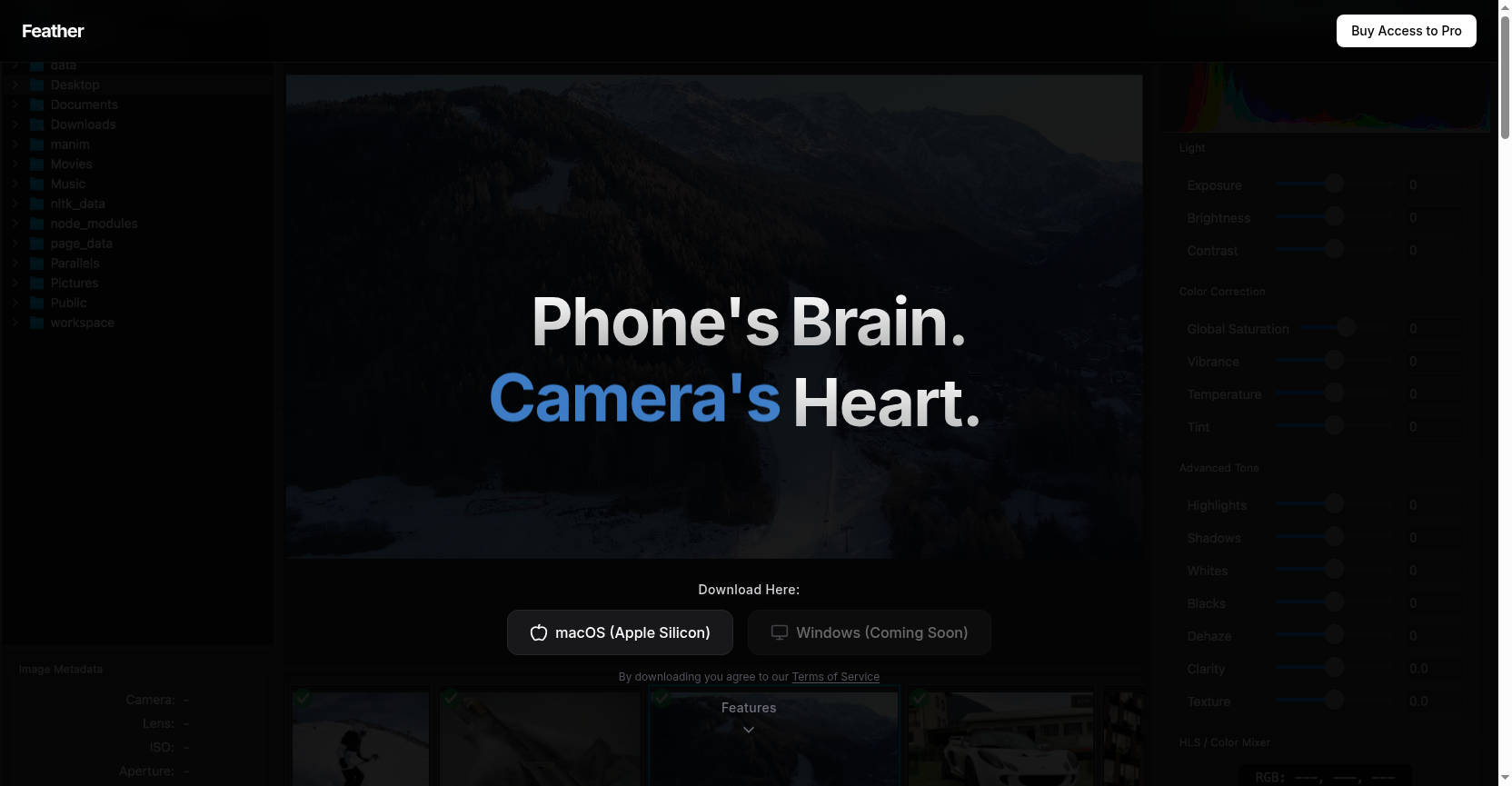
Feather is an advanced photo editing tool that combines sub-pixel alignment, smart blending, SAM2 instant segmentation, 8-channel HSL color mixer, adaptive sharpness, and generative AI infill to deliver professional-grade image processing with a trackpad-optimized interface.
Paid
How to use Feather?
Download Feather for macOS, import raw inputs, and use features like sub-pixel alignment, SAM masks for instant object segmentation, 8-channel HSL color mixer for precise color tuning, smart sharpness for texture enhancement, and generative AI infill to expand canvas or remove distractions. Ideal for photographers and creators seeking phone-like processing power on desktop.
Feather 's Core Features
Sub-Pixel Alignment with Smart Blending beta: Align and blend multiple raw inputs with pixel-level precision for seamless composites.
SAM2 Model: Segment anything instantly in your images using advanced AI masks for quick object isolation.
8-Channel HSL Color Mixer: Dial in individual color channels with floating-point precision for professional color grading.
Smart Sharpness: Adaptive edge detection enhances texture without adding noise artifacts, making stacking effortless and precise.
Trackpad Centered UI: Designed for MacBook usage with intuitive gestures for effortless image navigation and ergonomic optimization.
Reality Synthesis GenAI Infill: Expand canvas or remove distractions with generative AI that understands context, lighting, and texture.
Feather 's Use Cases
Photographers can stack multiple exposures with sub-pixel alignment for tack-sharp landscapes.
Graphic designers can instantly segment objects using SAM2 masks for quick compositing.
Colorists can fine-tune specific hues with 8-channel HSL mixer for cinematic looks.
Content creators can remove unwanted elements and expand canvas with AI infill.
MacBook users can navigate and edit photos seamlessly with trackpad-optimized gestures.