
GitHub Chat
Chat with any GitHub repository using AI.
GitHub Chat allows users to interact with any GitHub repository, file, or wiki page through AI. It provides instant answers about documentation, code, and wiki content, making it easier to understand and navigate GitHub projects.
Free
How to use GitHub Chat?
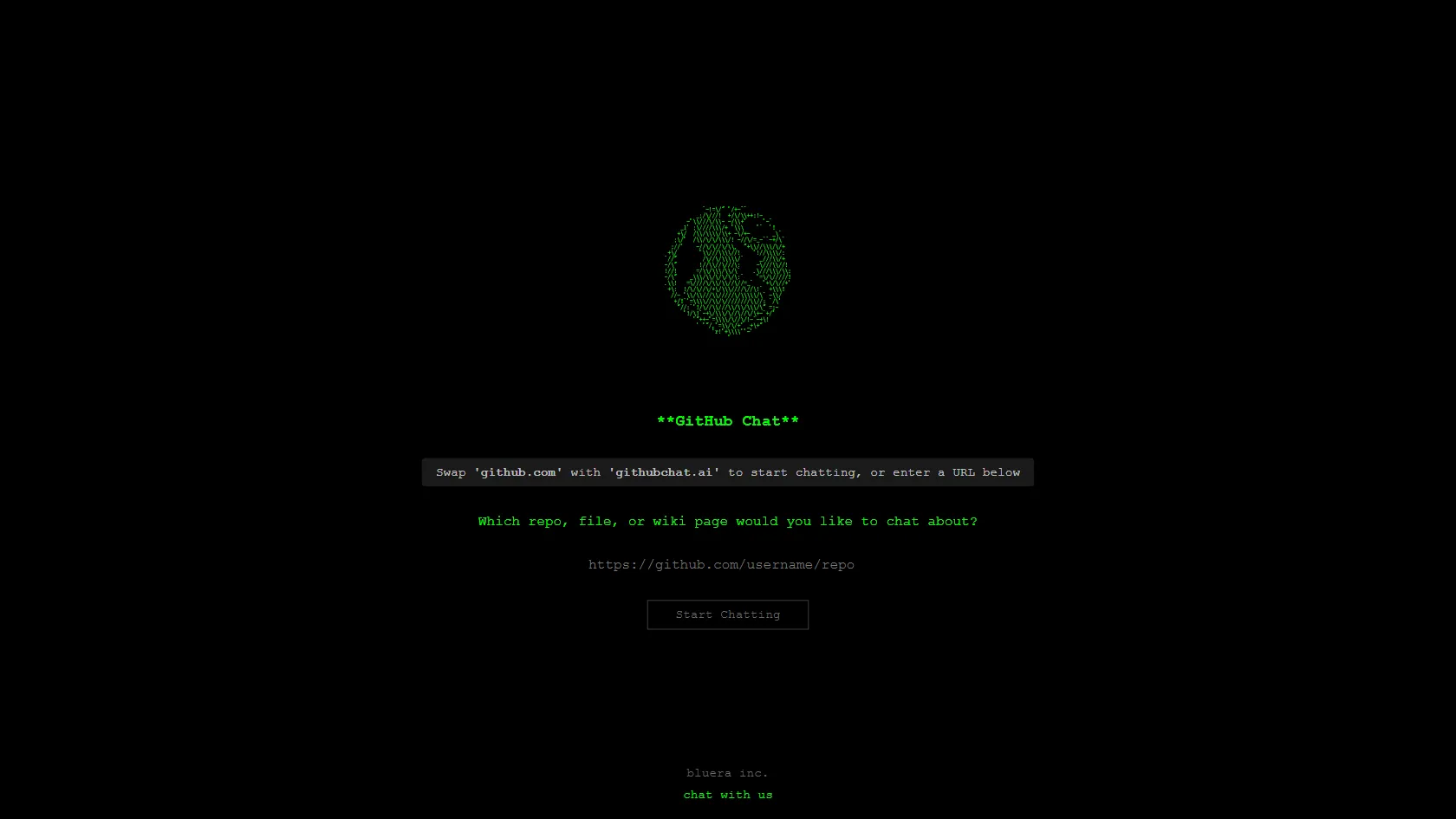
Simply replace 'github.com' with 'githubchat.ai' in the URL of any GitHub repository, file, or wiki page to start chatting. This tool is designed to help developers and contributors get quick answers and insights about GitHub projects without manually searching through documentation.
GitHub Chat 's Core Features
GitHub Chat 's Use Cases
GitHub Chat 's FAQ
Most impacted jobs
Software Developers
Open Source Contributors
Project Maintainers
Students
Educators
Technical Writers
DevOps Engineers
Quality Assurance Engineers
UI/UX Designers
Data Scientists