
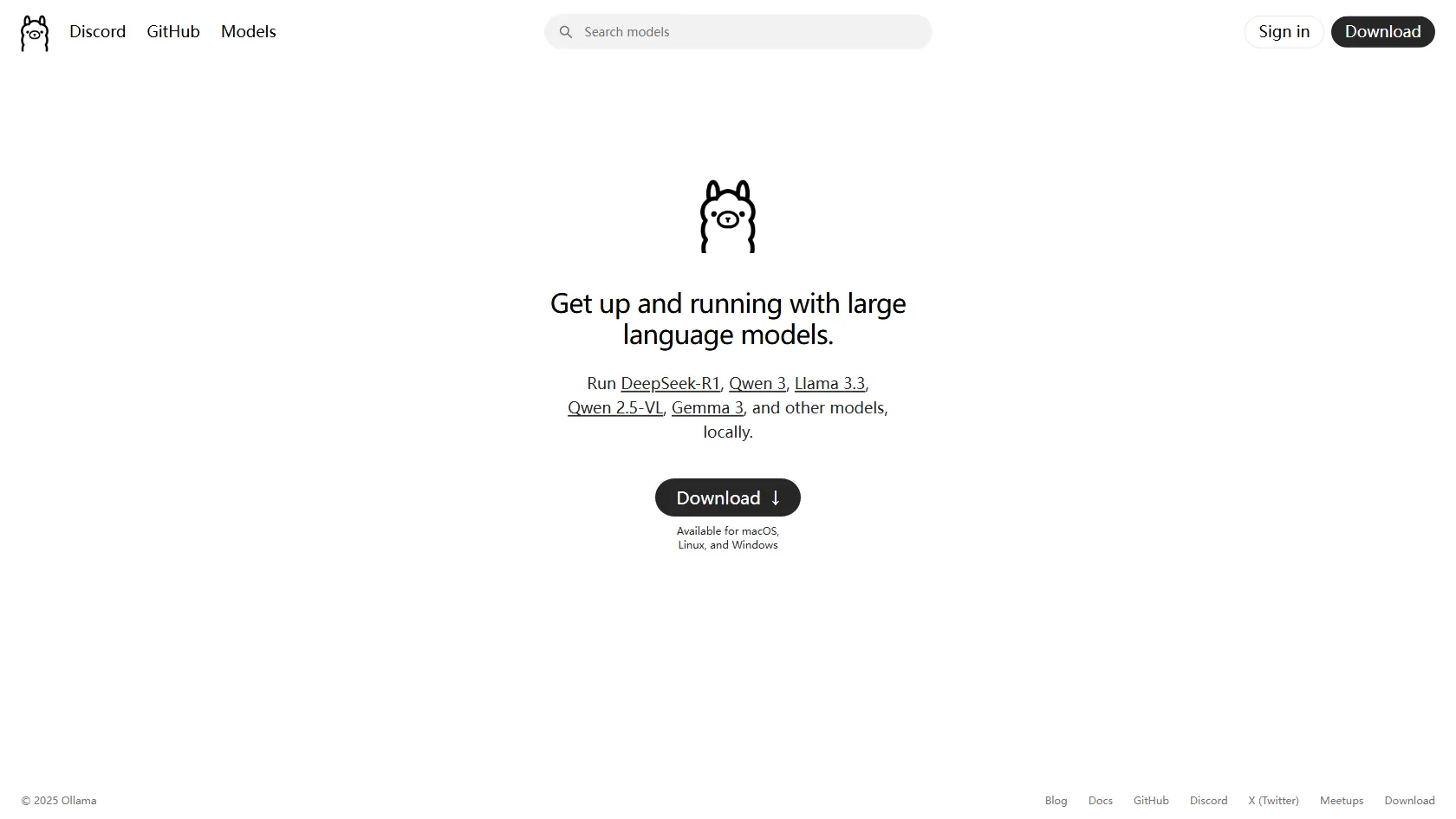
Ollama enables users to get up and running with large language models locally, supporting models like DeepSeek-R1, Qwen 3, Llama 3.3, Qwen 2.5‑VL, Gemma 3, and others. It's available for macOS, Linux, and Windows, making it accessible for a wide range of users.
Free
How to use Ollama?
Ollama allows users to download and run various large language models locally on their devices. It simplifies the process of setting up and experimenting with AI models, catering to developers and researchers interested in AI and machine learning.
Ollama 's Core Features
Supports running large language models locally.
Compatible with macOS, Linux, and Windows.
Easy setup and download process.
Access to a variety of models like DeepSeek-R1, Qwen 3, and more.
Community support through Discord and GitHub.
Ollama 's Use Cases
Developers can integrate Ollama into their projects for AI capabilities.
Researchers can experiment with different large language models locally.
Students can learn about AI and machine learning by using Ollama.
Tech enthusiasts can explore the capabilities of various AI models.
Companies can use Ollama for prototyping AI features without cloud dependencies.