Reaper Daemon
Control REAPER from an AI agent on macOS, Windows, or Linux without extensions or servers.
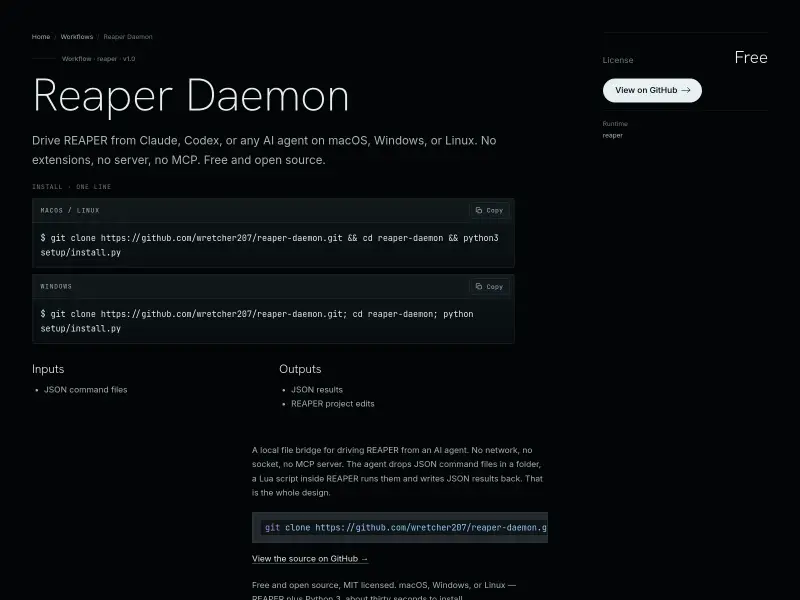
Reaper Daemon is a free and open-source workflow that bridges REAPER with AI agents. It allows agents to control REAPER by dropping JSON command files into a folder, which a Lua script inside REAPER executes. It supports project control, track manipulation, FX editing, MIDI, markers, and more, all within REAPER's undo system.
Free
How to use Reaper Daemon?
Install the daemon via a one-line command in your terminal, which sets up REAPER to load the bridge on startup. Restart REAPER, then point your AI agent (like Claude Code or Codex) to the daemon's folder. The agent writes JSON commands to the 'inbox' folder, and the daemon executes them, writing results to the 'outbox' folder.
Reaper Daemon 's Core Features
Reaper Daemon 's Use Cases
Reaper Daemon 's FAQ
Most impacted jobs
Audio Engineer
Music Producer
Sound Designer
Developer
AI Developer